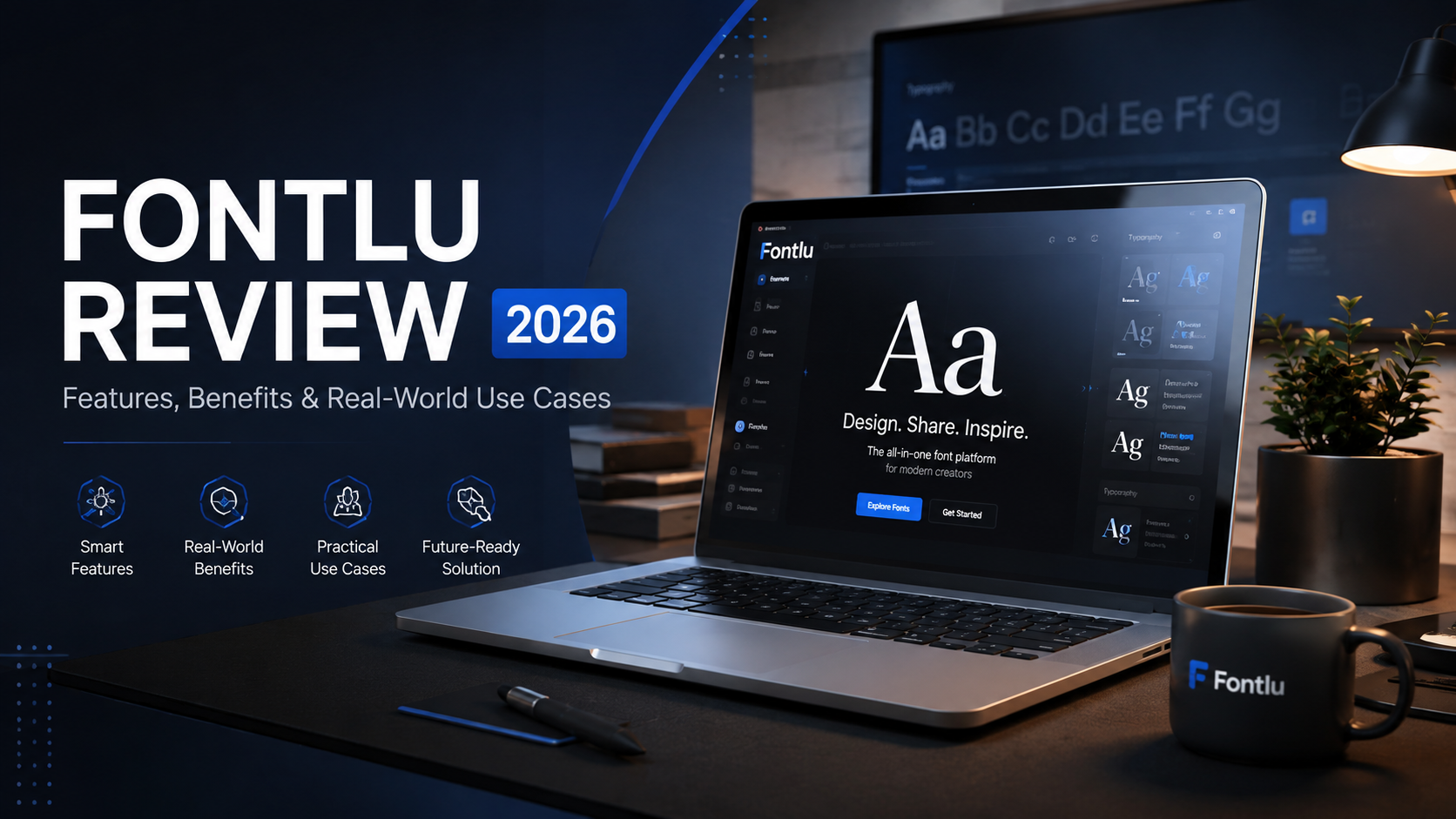
Typography can make or break a design. Whether you’re a designer staring at a blank canvas or a business owner trying to nail your brand identity, picking the perfect font often feels harder than it should be. You scroll through endless options, none of them quite working, and you know your audience will notice if it looks off.
Fontlu is a browser-based typography tool that aims to eliminate this frustration. Instead of just dumping thousands of fonts in front of you, it offers an easy way to search, preview, and manage typefaces—without asking you to pay or even create an account.
This is a practical review of Fontlu. It covers what the platform offers, how to use it, its pros and cons, and a straightforward look at how it compares to other font tools so you can decide if it fits your workflow.
What Is Fontlu?
Fontlu is an online typography hub that offers a centralized space for discovering and previewing fonts. Rather than just being a static font library, it functions more like a complete ecosystem for exploring and managing typefaces.
Here’s what the platform provides:
-
An extensive font library with thousands of styles, including serif, sans-serif, script, decorative, and handwritten options .
-
Real-time text previews so you can see how your words look in any font before committing.
-
Clear licensing information to help you understand personal vs. commercial usage rights.
-
Organizational features that help teams stay on brand.
-
Easy file downloads in formats like OTF, TTF, and WOFF .
One of its more appealing features is the “no sign-up” access—you can jump straight in and start exploring fonts immediately, without handing over your email address.
Is Fontlu Legit? A Quick Safety Check
The most common question about any newer platform is whether it’s safe to use. Fontlu has been analyzed by Scamadviser and is considered legit and safe for consumers to access .
Key safety indicators:
-
Valid SSL certificate (your data is encrypted) .
-
No malware or phishing flags .
-
DNSFilter labels the site as safe .
The platform’s trust score takes a small hit because the domain was only registered in July 2025, making it relatively young . Site age alone isn’t a red flag, but it’s a good idea to double-check licensing terms if you’re planning to use a font for a major commercial project.
Key Features of Fontlu
What actually makes this tool worth trying?
1. User-Friendly Interface
One of Fontlu’s biggest strengths is how easy it is to navigate. You don’t need any learning prerequisites—just open it and start exploring. The search and filter functions let you sort fonts by style, category, or keyword, so you don’t waste time scrolling through options that don’t fit your project .
2. Large and Diverse Font Library
Fontlu provides thousands of font styles suitable for branding, UI/UX projects, social media content, posters, and more . The array includes classic options like Arial and Times New Roman alongside more expressive choices . This helps creators develop designs that feel aligned with their project goals.
3. Real-Time Font Preview
The ability to type your own text and see it rendered instantly in different fonts saves a huge amount of time . You can test your company name, headline, or body copy across multiple options without downloading a single file. This is one of the platform’s best features because it reduces guesswork and speeds up decision-making.
4. AI-Powered Font Pairing
Font pairing can be one of the trickiest parts of typography. Fontlu uses AI algorithms to suggest ideal combinations that work well together based on your project context . For example, it might suggest pairing an elegant serif header with a clean sans-serif body font for a luxury brand, or something warmer for a family-friendly project . This feature can save hours of trial and error.
5. Customization Liberty
Fontlu gives you granular control over font styles, weights, letter spacing, and kerning . You can even morph fonts to create new typefaces while maintaining readability—which is particularly useful for branding and creative expression .
6. Cloud-Based Collaboration for Teams
For agencies or marketing departments, Fontlu’s cloud-based access ensures the entire font library is available anywhere, anytime . Team members can share curated collections, discuss typography choices in real time, and maintain consistency across departments . No more email chains asking which font was used on last month’s campaign.
7. No Sign-Up Needed
This is a genuine differentiator. Fontlu doesn’t ask for any sign-up or registration process . You can search, preview, and download fonts without sharing personal information. This makes it extremely accessible for quick projects or for users who are cautious about sharing their data with newer platforms.
8. Free and Premium Options
Fontlu is positioned as a platform that’s “free to use and with reasonably priced premium plans for additional font packages” . The platform currently offers both free and premium versions designed to cater to a wide audience’s objectives and requirements.
Benefits of Using Fontlu
What’s in it for you?
Speed. It’s built to make the font selection process faster. Instead of downloading files one by one, you preview everything in the browser .
Better brand consistency. When teams use the same curated font collections, there’s less risk of someone using an off-brand typeface .
Less technical friction. You can modify font settings like style, weight, and spacing without needing to understand the technical aspects of typography .
Safe licensing. The platform provides clearly labeled usage rights, helping you avoid legal issues for personal or commercial use .
Collaboration. Teams can easily share font preferences, which keeps everyone in the loop during projects .
Limitations and Considerations
No platform is perfect. Here are some things to keep in mind:
Young platform. Fontlu is relatively new (registered mid-2025). Its long-term stability and feature development are still unproven .
Information gaps. Some details about the platform—like the extent of its integration with third-party software—remain unclear .
The “too many choices” problem. An extensive library can actually be a drawback if you’re a beginner and don’t know what you’re looking for .
Performance risks. Overly decorative fonts can slow websites, so you still need to balance style with technical efficiency .
Script limitations. Some global character sets may not be supported in every font, which is something to watch for in multilingual projects .
Comparison: Fontlu vs Alternatives
To help you understand where Fontlu fits in the ecosystem, here’s a comparison with some popular alternatives.
| Feature | Fontlu | Google Fonts | Adobe Fonts | WhatFont |
|---|---|---|---|---|
| Type | Web-based font hub & preview tool | Free web font library | Subscription-based font service for Creative Cloud users | Browser extension for identifying fonts |
| Core Benefit | Preview and manage fonts without sign-up, plus AI pairing and collaboration features | Large free collection, easy web integration | Access to hundreds of premium fonts, seamless with Adobe apps | Quickly identify fonts on any website |
| Best For | Quick previews, exploring new fonts, AI pairing suggestions, and team collaboration | Web designers needing free, reliable web fonts | Professionals deeply invested in the Adobe ecosystem | Marketers, devs, and designers who need to identify existing fonts |
| Key Strength | Easy access (no sign-up), real-time preview, AI suggestions | Simple integration with web projects, large open-source library | Premium quality fonts, deep integration with Adobe software | Super fast and convenient for on-the-fly identification |
| Main Weakness | Very new platform, some details (e.g., integrations, full feature set) are not fully clarified | Limited licensing for commercial use beyond web, fewer unique/expressive premium options | Requires a paid subscription, fonts are not permanently licensed for all uses | Only identifies fonts, doesn’t help you manage or find new ones |
Note: Google Fonts remains a go-to for free, web-friendly options, while Adobe Fonts is a powerhouse for paid, high-quality typefaces within the Adobe ecosystem .
How to Use Fontlu: A Step-by-Step Guide
Getting started is refreshingly simple:
Step 1: Visit the Fontlu website.
Step 2: Start browsing the font library or use the search bar to find a specific style.
Step 3: Type your sample text into the preview window to see how it looks in different fonts .
Step 4: Check the licensing information to confirm you’re using the font appropriately .
Step 5: Download the font file or use the link to integrate it into your design tool of choice .
Pro Workflow Tips for Teams
Agencies that get the most out of Fontlu tend to start narrow and expand methodically:
-
Audit your existing fonts. Pull together every marketing asset from the last 90 days and count how many distinct fonts appear .
-
Define brand typography rules. Decide on a small set of approved fonts that reflect your brand personality .
-
Build segmented collections that map to real use cases—”core brand fonts,” “luxury listings,” “digital-only assets,” and so on .
-
Lock it down for the team. Share the collections and document one simple rule per collection (“use this for X, not for Y”) .
-
Review quarterly. Typography trends shift, and Fontlu’s AI recommendations update accordingly .
Fontlu Pricing
Fontlu is designed to be a “free-to-use platform” with paid plans for users who need additional font packages or premium features . While the exact pricing structure is not detailed in the available information, Fontlu is described as offering both free and premium options that are also pocket-friendly to cater to a wide audience’s demands .
Real-World Applications
Branding & Logo Design
A company looking to create a strong brand identity can use Fontlu to preview brand names across multiple typographic styles, determining which font best aligns with the brand’s voice . For instance, a local coffee shop used Fontlu to design a welcoming logo, finding unique fonts that achieved the warm atmosphere they wanted .
Website Design & Interface Development
Web designers use Fontlu to find web-friendly fonts that look crisp and function well across various screen sizes . They can test headings, body text, and UI elements effortlessly before committing to a font.
Marketing & Social Media Graphics
Content creators rely on eye-catching typography, and Fontlu’s expressive font options help marketers design visuals that capture attention .
Team Collaboration
Design teams can create shared font folders and maintain a consistent identity across all materials, reducing confusion during revisions .
Frequently Asked Questions
1. What is Fontlu and what does it do?
Fontlu is a browser-based typography tool that lets users discover, preview, customize, and manage fonts. It offers a large font library, real-time previews, AI-powered pairing suggestions, and cloud-based team collaboration features .
2. Is Fontlu free to use?
Yes, Fontlu offers a free version that allows users to explore and preview fonts without creating an account. It also has premium options for users who need additional font packages or advanced features .
3. Do I need to sign up to use Fontlu?
No. One of Fontlu’s key features is that it does not require sign-up or registration. You can access the platform and start browsing fonts immediately .
4. Can Fontlu help me with font licensing?
Yes. Fontlu provides clear licensing information for its fonts, labeling them for personal or commercial use. The platform also assists with font licensing management by allowing users to upload corresponding license documents and providing automatic compliance tracking .
5. What file formats does Fontlu support for downloads?
Fontlu supports downloading fonts in multiple formats, including OpenType (.OTF), TrueType (.TTF), and WOFF, making them compatible with most design and development tools .
6. Does Fontlu offer AI font pairing recommendations?
Yes. Fontlu’s AI-powered engine analyzes your project type and suggests font pairings tailored to your specific needs, such as an elegant serif with a clean sans-serif for luxury branding .
7. Can I collaborate with my team using Fontlu?
Yes. Fontlu offers cloud-based access, allowing team members to share curated collections, discuss typography choices in real-time, and maintain brand consistency across departments .
8. Does Fontlu integrate with Figma or Adobe XD?
Fontlu is designed to integrate with popular design tools. For Figma, it offers direct sync capability to push fonts into the workspace. With Adobe XD, fonts can be accessed through Adobe Fonts activation .
9. What are the limitations of Fontlu?
Current limitations include its status as a relatively new platform (established mid-2025), unclear details about its third-party software integration, and the potential for beginners to feel overwhelmed by the extensive library .
10. Is Fontlu safe and legitimate to use?
Yes. Fontlu has been evaluated and is considered safe for consumers. It has a valid SSL certificate and is not flagged for phishing or malware. However, as a newer website, users are encouraged to do their own checking as well .
Conclusion
Fontlu won’t replace your professional font management software if you need advanced features like extensive web font hosting or deep integration with enterprise tools.
But as an accessible, no-nonsense tool for discovering and previewing fonts, it’s genuinely useful.
It excels when you need to:
-
Quickly test a font without downloading it first.
-
Get AI-powered pairing suggestions.
-
Browse a broad selection of styles in one place.
-
Work with a team that needs to stay consistent.
Is Fontlu the most powerful font management tool on the market? Probably not. Is it a smart, efficient tool to have in your browser bookmarks for quick typography work? Absolutely.
If you’re looking for a way to speed up your font selection process and reduce decision fatigue, give Fontlu a try. The fact that you can use it without signing up makes it one of the easiest tools to test—there’s literally nothing to lose.
About the Author