Introduction
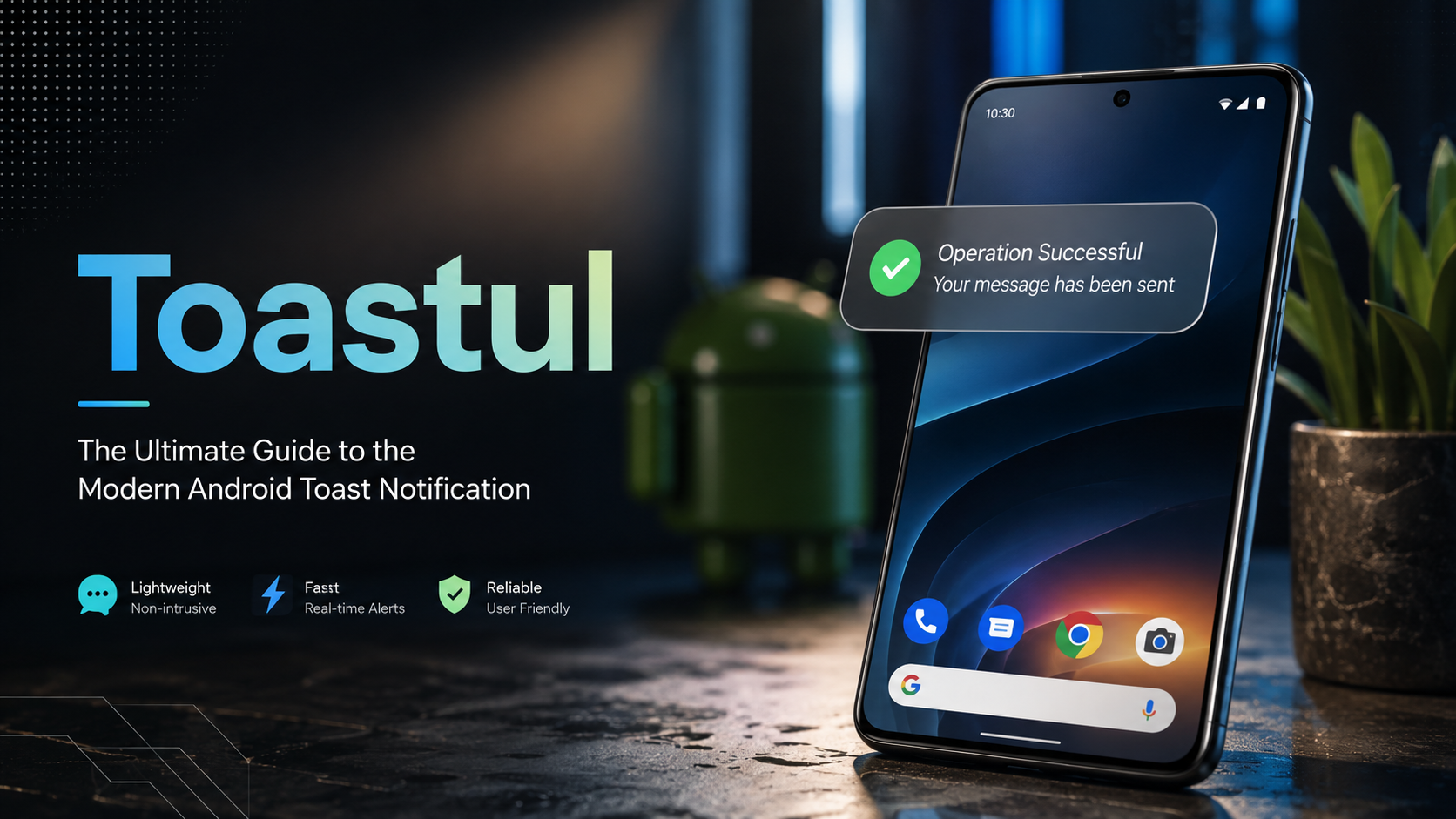
In the early days of Android, user feedback was often clunky and intrusive. Toasts were introduced as a simple, non-intrusive way to provide feedback about an operation in a small popup. They fill only the amount of space required for the message, leaving the current activity visible and interactive. Toasts automatically disappear after a timeout, making them perfect for transient notifications like “Message sent” or “Settings saved.”
However, as mobile experiences have become more sophisticated, so too has the need for smarter, more customizable feedback mechanisms. This is where “Toastul” enters the conversation. While not an official term from Google, “Toastul” encapsulates the modern philosophy of using toasts and their alternatives (like Snackbars) in a more strategic, user-centric way, often involving enhanced visuals, better timing, and integration with system features.
This article will explore:
-
What a toast is and how it works on Android.
-
Key changes and limitations introduced in recent Android versions.
-
Alternatives to toasts and when to use them.
-
A modern “Toastul” approach to implementing in-app messaging.
-
Practical guides and examples for developers.
-
Comparisons between toasts, Snackbars, and notifications.
Understanding the Toast
What is a Toast?
A toast is a view containing a quick little message for the user. The Android Developers documentation describes it perfectly: “A toast provides simple feedback about an operation in a small popup. It only fills the amount of space required for the message and the current activity remains visible and interactive. Toasts automatically disappear after a timeout.”
Common Use Cases:
-
Confirming a user action (e.g., “File downloaded”).
-
Showing an error message (e.g., “Please check your internet connection”).
-
Displaying a brief status update (e.g., “Sending message…”).
Key Characteristics:
-
Non-Interactive: Users cannot interact with a toast. It simply displays information.
-
Auto-Dismissing: It disappears after a set duration (
LENGTH_SHORTorLENGTH_LONG). -
Context-Free: It doesn’t block the screen or interrupt the user’s current flow.
The Impact of Android 12 (API Level 31)
A significant shift in toast implementation came with Android 12. If your app targets Android 12 or higher, there are notable restrictions and stylistic changes.
-
Text Limit: Toasts are limited to two lines of text. This forces developers to be concise.
-
App Icon: An application icon is automatically displayed next to the text. This adds branding but also means there’s less space for the message.
-
Shorten Your Text: It’s recommended to keep messages as brief as possible due to varying screen sizes and the space taken up by the icon.
Alternatives to Using Toasts
The “Toastul” philosophy often involves knowing when not to use a toast. The Android documentation suggests better alternatives depending on the app’s state.
Snackbars
If your app is in the foreground, consider using a Snackbar instead of a toast. Snackbars are more versatile and allow for user interaction.
-
Actionable: Snackbars can include buttons (e.g., “Undo”, “Retry”) that allow the user to take action directly from the notification.
-
Dismissible: Users can swipe them away.
-
Contextual: They appear at the bottom of the screen and are tied to the UI.
Notifications
If your app is in the background and you want users to take some action or be alerted later, use a system notification instead. Notifications appear in the notification shade and can persist until the user acts on them.
| Feature | Toast | Snackbar | Notification |
|---|---|---|---|
| User Interaction | None | Yes (Buttons) | Yes (Actions) |
| Persistence | Auto-dismisses | Swipeable/Auto | Persistent |
| App State | Foreground/Background | Foreground | Background |
| Uses | Simple feedback | Undo actions, confirmations | Alerts, reminders |
The “Toastul” Approach: Beyond the Standard
While the standard Toast.makeText(context, text, duration).show() is great for simple messages, a “Toastul” approach involves using the API more effectively and understanding its lifecycle.
1. Instantiate a Toast Object
The most common way to create a toast is using the makeText() method.
Parameters:
-
Context: The application or activity context.
-
Text: The message to be displayed.
-
Duration:
Toast.LENGTH_SHORTorToast.LENGTH_LONG.
Kotlin Example:
val text = "Hello toast!"
val duration = Toast.LENGTH_SHORT
val toast = Toast.makeText(this, text, duration) // 'this' is the Activity
toast.show()
Java Example:
CharSequence text = "Hello toast!";
int duration = Toast.LENGTH_SHORT;
Toast toast = Toast.makeText(this /* MyActivity */, text, duration);
toast.show();
2. Chaining Method Calls
A common “Toastul” best practice is method chaining. This avoids holding onto the Toast object, reducing the risk of memory leaks and making the code cleaner.
Toast.makeText(context, text, duration).show()
3. Customizing Toasts
Although limited in Android 12+, you can customize the layout of a toast to look less like a standard system popup and more like a branded element of your app.
-
Custom View: You can inflate a custom layout (e.g., adding an image, changing background color) using
toast.setView(View). -
Gravity: You can change the position of the toast on the screen using
toast.setGravity(Gravity.CENTER, offsetX, offsetY).
4. Handling Edge Cases
Modern development requires robust error handling.
-
Activity Lifecycle: Don’t show a toast if the activity is no longer in the foreground. Use lifecycle callbacks to check visibility.
-
Testing: Ensure toasts are shown and dismissed correctly during UI tests.
Advanced Implementations and Libraries
In the modern development ecosystem, “Toastul” often involves using third-party libraries that offer advanced features.
Honey-Toast: A Modern “Toastul” Library
Libraries like honey-toast (a framework-agnostic library) represent the pinnacle of the “Toastul” philosophy. They transform the simple toast into a highly customizable UI component.
Key Features of Honey-Toast:
-
Zero Dependencies: Works with any JavaScript framework.
-
Variety of Animations: Create interactive and engaging alerts.
-
Multiple Themes: Light, dark, and system default support.
-
Designer Friendly: Huge collections of beautiful designs and categories.
-
Playground: A demo environment to test and copy generated code.
This type of library allows developers to move away from the “one-size-fits-all” system toast to a custom, branded, and highly interactive experience.
Toast in Game Development (Unity)
Toast notifications aren’t just for standard mobile apps. In game development environments like Unity, toasts are used for system-level notifications on platforms like Windows.
Example (Unity Script):
WSA.Toast.Create(xml: string): Toast;
This method creates a toast notification by providing an XML document with its data. It allows game developers to send notifications even when the game is minimized.
Frequently Asked Questions (FAQs)
1. What is the difference between a Toast and a Snackbar?
A Toast is a simple popup that displays information and automatically disappears. It cannot be interacted with. A Snackbar is a more advanced component that appears at the bottom of the screen, can include interactive buttons (like “Undo”), and can be swiped away by the user. Snackbars are generally preferred for foreground applications as they offer better functionality.
2. Why is my Toast only showing two lines of text in Android 12?
This is a restriction introduced in Android 12 (API level 31) to standardize the look and size of toasts. Google recommends keeping your toast messages as short as possible to ensure they display correctly across different screen sizes.
3. Can I put a button in a Toast?
No, toasts are designed to be non-interactive and passive. If you need a button to allow users to take action (e.g., “Undo”), you should use a Snackbar instead, which supports interactive options.
4. How long does a Toast stay on the screen?
You have two options when creating a toast: Toast.LENGTH_SHORT (a brief display, roughly 2 seconds) and Toast.LENGTH_LONG (a longer display, roughly 3.5 seconds). You cannot set a custom time duration using the standard API.
5. How do I show a Toast in a background service?
You generally shouldn’t show a Toast from a background service. If your app is in the background and you need to alert the user, you should use a Notification instead. Toasts are intended for when the app is visible and the user is actively using it.
6. What are some alternatives to customizing a Toast in Android 12+?
Since Android 12 limits customization (like the app icon and two-line limit), if you need more visual control, consider using a Snackbar, a custom Dialog, or a library like honey-toast that creates custom views that mimic toast behavior but are not limited by the system restrictions.
7. How do I center a Toast on the screen?
You can use the setGravity() method on your Toast object. For example, toast.setGravity(Gravity.CENTER, 0, 0) will center the toast vertically and horizontally on the screen.
8. What does “Toastul” mean?
“Toastul” is an informal term used to describe a modern, sophisticated approach to implementing toast notifications and their alternatives. It emphasizes strategic use, user experience, customization, and understanding the difference between toasts, Snackbars, and notifications to create a better app experience.
9. Is there a risk of memory leak when using Toasts?
Yes, there can be a risk. If you hold a reference to a Toast object after the Activity is destroyed, you can cause a memory leak. The best practice is to use method chaining (Toast.makeText(context, text, duration).show()) so you don’t keep a reference to the object.
10. Can I use Toasts in JavaScript or web development?
While “Toast” originated on Android, the concept has been adopted in web development. Libraries like honey-toast allow you to create toast-style notifications in web applications, offering customization and animations not available in the native Android system.
Conclusion
The humble toast notification has evolved significantly. While the basic Toast.makeText().show() remains a staple of Android development, a “Toastul” approach requires a more critical eye. It’s about choosing the right tool for the job—be it a simple toast for transient feedback, an interactive Snackbar for undo operations, or a system notification for background alerts.
As Android continues to evolve, with restrictions like the two-line limit in Android 12, developers must adapt. By leveraging libraries and focusing on concise messaging, you can ensure your app communicates effectively without annoying the user. Understanding your options is the first step to creating a truly “Toastul” experience—one that feels modern, responsive, and perfectly integrated into the user’s flow.
About the Author