Introduction
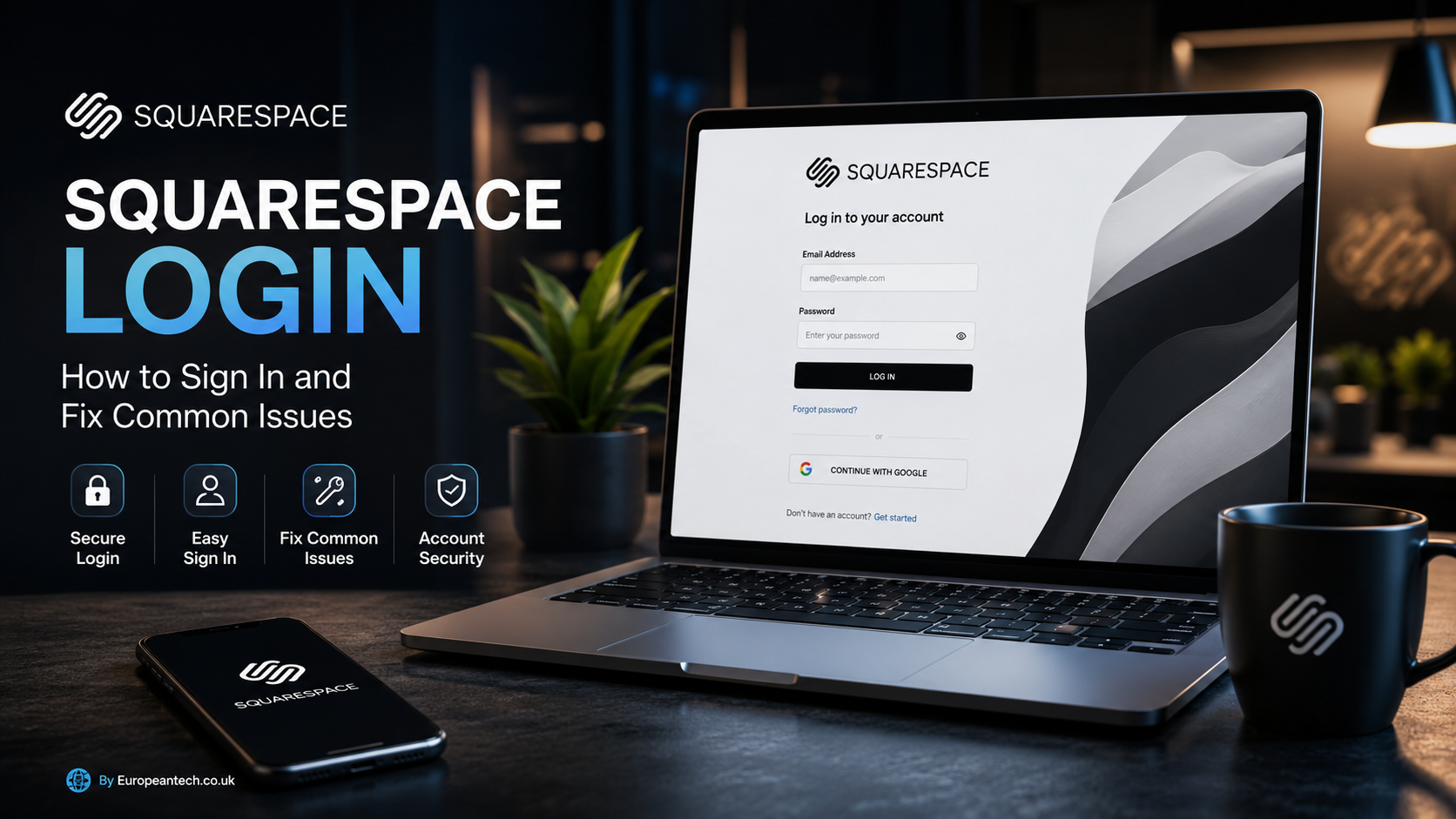
If you manage a website with Squarespace, the Squarespace Login page is the gateway to your sites, domains, subscriptions, settings, and other account tools. Whether you are logging in for the first time, switching between websites, or trying to recover access to an existing account, knowing the correct login process can save time.
Squarespace supports several authentication options, including standard email-and-password login and supported social sign-in methods. It also provides security features such as two-factor authentication (2FA), passkeys, backup codes, and account reauthentication for sensitive changes.
This guide explains how Squarespace Login works, where to access your account, what you can do after signing in, and how to troubleshoot common problems without compromising your account security.
Table of Contents
- What Is Squarespace Login?
- How to Log In to Squarespace
- How to Access the Squarespace Account Dashboard
- Squarespace Login Methods
- How to Reset Your Squarespace Password
- How to Use Two-Factor Authentication
- Common Squarespace Login Problems
- Direct Website Login With /config
- Squarespace Login Security Tips
- Squarespace Login vs Account Dashboard
- Pros and Cons
- Frequently Asked Questions
- Conclusion
What Is Squarespace Login?
Squarespace Login is the authentication process used to access your Squarespace account and the websites associated with it.
Once authenticated, you can access your account dashboard and, depending on your permissions, manage websites, domains, subscriptions, and other account-related settings. Squarespace explains that the account dashboard provides an overview of sites, domains, and subscriptions associated with an account.
For website owners, login is particularly important because the account can provide access to sensitive information and website-management functions.
A typical Squarespace login involves:
- Opening the official Squarespace login page.
- Entering your account credentials or choosing a supported login provider.
- Completing an additional security verification if required.
- Accessing your account or website dashboard.
If you have enabled 2FA, you may need to provide a passkey or authentication code after entering your normal login credentials.
How to Log In to Squarespace
The simplest way to access your account is through the official Squarespace login page:
Squarespace Login
Step-by-Step Squarespace Login
Follow these steps:
- Open the official Squarespace login page.
- Enter the email address associated with your account.
- Enter your password.
- Select Log In.
- If Squarespace requests additional verification, complete the available authentication step.
- After successful authentication, continue to your account or website dashboard.
If you normally use Google, Apple, Facebook, or another supported social login method, use the same method you originally selected when creating or connecting your account. Using a different login method can result in an account-not-found message.
Why Using the Correct Login Method Matters
One common mistake is assuming that every login method leads to the same Squarespace account.
For example, you may have originally created an account with an email address but later attempt to sign in through Apple or Google. If that social account is not connected to the Squarespace account, Squarespace may report that the account cannot be found.
When troubleshooting login problems, first determine how you originally registered or connected your account.
How to Access the Squarespace Account Dashboard
After signing in, the account dashboard provides a central place to review the Squarespace sites, domains, and subscriptions associated with your account.
You can access the dashboard through the official account address:
Squarespace Account Dashboard
What Can You See in the Dashboard?
The dashboard can help you navigate between websites and review account-level information.
Depending on your account and permissions, you may use it to:
- View your Squarespace websites
- Switch between multiple sites
- Review domains
- Review subscriptions
- Access account settings
- Manage account security
- Navigate to individual site management areas
Squarespace notes that some actions, such as editing website content or updating billing information, are handled within individual sites rather than solely from the account overview.
Multiple Squarespace Websites
If you contribute to several Squarespace sites, the dashboard can make navigation easier because associated websites appear within the same account environment.
This is useful for freelancers, agencies, developers, and businesses that manage multiple websites.
Squarespace Login Methods
Squarespace supports more than one way to authenticate an account.
Email and Password
The traditional method is logging in with the email address and password associated with your Squarespace account.
This remains useful when you want direct control over your account credentials.
Social Login
Squarespace also supports login through supported social providers, including Google, Apple, and Facebook. Squarespace’s current documentation explains that users can change or switch their login provider under account settings, subject to account requirements.
Social login can be convenient because you don’t have to maintain a separate Squarespace password in the same way.
However, there is an important limitation: the email associated with the social account matters.
Squarespace states that switching to a social login using a different email from the Squarespace account isn’t directly supported unless the account email is changed or the login configuration is adjusted.
Passkeys
Passkeys provide a passwordless authentication option using supported devices and authentication mechanisms.
Squarespace allows passkeys as a two-factor authentication method. Depending on your device, authentication can use biometric security such as Touch ID or Face ID, or a compatible security key.
Passkeys can reduce dependence on memorized passwords while adding a strong authentication layer.
How to Reset Your Squarespace Password
Forgetting your password does not necessarily mean losing access to your website.
If you are locked out, Squarespace provides a password recovery process.
Password Reset Steps
- Go to the official Squarespace login page.
- Select Can’t log in?
- Enter the email address associated with your Squarespace account.
- Request the password recovery email.
- Open the email from Squarespace.
- Follow the password-reset instructions.
- Create a new password.
- Return to Squarespace and sign in.
Squarespace’s current password recovery documentation says that the recovery process begins at squarespace.com/login, where users can select Can’t log in? and enter the email address used to create the site.
What If You Don’t Remember Your Email?
This can be more complicated than simply forgetting a password.
If you have multiple email accounts, try the addresses you may have used when creating or managing the Squarespace site.
Squarespace also provides account-recovery guidance for users who don’t know which email address is associated with their account.
How to Use Two-Factor Authentication
Two-factor authentication adds another security layer to Squarespace Login.
Instead of relying only on your password, your account can require an additional authentication method.
Squarespace currently documents three 2FA options:
- Passkey
- Authentication app
- Text message
However, SMS availability depends on the user’s country. Squarespace currently lists Australia, Canada, Ireland, the UK, and the US for its SMS 2FA option.
Authentication Apps
An authentication app generates a verification code that you enter when signing in.
Squarespace recommends Google Authenticator but states that other authentication apps available for Android and iOS can also be used.
Backup Login Codes
Backup codes are particularly important if you lose access to your phone or authentication device.
Squarespace generates backup codes when you set up a 2FA method. The company says these codes can be used to access the account if the normal authentication method is unavailable.
Keep backup codes somewhere secure rather than storing them publicly or sending them through unsecured messages.
Reauthentication for Sensitive Changes
Squarespace may ask you to verify your identity again before making major account changes.
According to Squarespace’s August 2026 documentation, this can include changes such as modifying your password or transferring ownership. Depending on your security configuration, verification may use 2FA or an email code.
Common Squarespace Login Problems
Even when the Squarespace service is working normally, users can encounter authentication problems.
Here are some of the most common scenarios.
1. Incorrect Password
If your email is correct but your password doesn’t work, use the password recovery option instead of repeatedly guessing.
A new password should be unique and difficult for others to predict.
2. “Account Not Found”
An account-not-found message can occur when you try to sign in with a social account that isn’t connected to a Squarespace account.
Squarespace recommends confirming that you selected the correct social account.
3. Two-Factor Authentication Code Doesn’t Work
If your 2FA code fails:
- Confirm that you are using the correct authentication method.
- Try another unused backup code if available.
- Check whether your device has the correct time settings when using an authenticator app.
- If you have lost your authentication device, use your backup codes.
- Contact Squarespace support if you cannot recover access.
Squarespace specifically recommends using backup codes when a phone is lost or broken.
4. You Didn’t Receive an SMS Code
If SMS authentication is enabled but a code doesn’t arrive, Squarespace recommends checking your phone connection, confirming the phone number shown on the login screen, and using another available authentication method when appropriate.
5. Verification Email Is Missing
If Squarespace asks you to verify your email and you don’t see the message, check:
- Spam
- Trash
- Promotions
- Other filtered folders
Squarespace’s login troubleshooting guidance specifically recommends checking these folders when an email verification message cannot be found.
6. You Lost Your Phone
Losing your phone doesn’t necessarily mean losing your Squarespace account.
If you saved your backup codes, use one to complete authentication. If you are still logged in on another device, Squarespace’s troubleshooting documentation also provides recovery options.
7. The Squarespace Service May Be Experiencing an Outage
Sometimes a login problem isn’t caused by your password or device.
Squarespace recommends checking its status information if you suspect a system-wide issue.
Direct Website Login With /config
Squarespace also provides another way to reach the management interface for a specific website.
According to Squarespace’s official documentation, you can append /config to a built-in Squarespace domain or custom domain.
For example:
https://your-site.squarespace.com/config
or:
https://www.your-site.com/config
The domain must be replaced with your own website address.
This approach can be useful when you already know the website you want to manage and don’t want to navigate through the account dashboard first.
Squarespace Login Security Tips
Your Squarespace account can provide access to important website and business information, so security should be treated seriously.
Use a Strong, Unique Password
Squarespace recommends using different passwords for different services and avoiding predictable information such as your name, birthday, address, or common words.
A password manager can also make it easier to generate and store unique passwords.
Enable 2FA
Two-factor authentication is one of the most important steps you can take to strengthen your Squarespace account.
Squarespace recommends enabling 2FA because a stolen password alone should not be sufficient to complete authentication when an additional security method is required.
Don’t Share Your Password
If several people need access to a website, don’t simply give everyone the same account password.
Squarespace recommends using contributor accounts so individual users can access the site with their own accounts.
This is particularly useful for:
- Agencies
- Marketing teams
- Freelancers
- Developers
- Business owners
Watch for Phishing
A login page can look legitimate even when it isn’t.
Avoid entering your Squarespace credentials after clicking suspicious links in unexpected emails or messages.
Instead, navigate directly to the official Squarespace website and start the login process there.
Squarespace specifically warns users about phishing attempts that impersonate trusted companies.
Squarespace Login vs Account Dashboard
These terms are sometimes confused, but they serve different purposes.
| Feature | Squarespace Login | Account Dashboard |
|---|---|---|
| Authentication | Yes | Requires authentication |
| Enter credentials | Yes | Usually after login |
| View websites | Leads to access | Yes |
| Manage multiple sites | Access point | Yes |
| Review domains | After authentication | Yes |
| Manage account security | Access point | Yes |
| Website editing | Not directly | Through individual site |
| Subscription overview | After authentication | Yes |
The login page is the entry point, while the account dashboard is the central management area after authentication. Squarespace describes the dashboard as a place to review sites, domains, and subscriptions.
Key Squarespace Login Features
For most users, the important login-related capabilities include:
Account Access
Users can authenticate with their configured login method and access associated Squarespace services.
Multiple-Site Navigation
People who contribute to multiple sites can use the account dashboard to navigate between them.
Social Authentication
Supported social login options can make authentication more convenient, although the associated email and login configuration must match the account requirements.
2FA
Passkeys, authentication apps, and supported SMS authentication can provide additional account protection.
Backup Recovery
Backup codes provide another way to authenticate when a normal 2FA method is unavailable.
Account Reauthentication
Squarespace can request additional verification before sensitive account changes.
Pros and Cons
| Pros | Cons |
|---|---|
| Simple web-based login | Login issues can occur when the wrong method is selected |
| Supports multiple authentication methods | Social-login configuration can be confusing |
| 2FA provides additional protection | Losing access to a 2FA device can complicate recovery |
| Backup codes support account recovery | SMS 2FA isn’t available in every country |
| Central dashboard for multiple sites | Some website management requires entering the individual site |
| Contributor accounts reduce password sharing | Users must keep account credentials secure |
Frequently Asked Questions
1. What is the official Squarespace Login page?
The official login page is squarespace.com/login. It is the safest starting point when you want to access your Squarespace account.
2. How do I log in to my Squarespace website?
Go to the official Squarespace login page and enter your account credentials or use your configured social login method. After authentication, select the website you want to manage.
3. Why does Squarespace say my account cannot be found?
This can happen when you use a social account that isn’t connected to your Squarespace account. Check that you’re using the correct Google, Apple, Facebook, or other supported login method.
4. How can I reset my Squarespace password?
Go to the Squarespace login page, select Can’t log in?, enter your account email, and follow the password-recovery instructions sent to you.
5. Does Squarespace support two-factor authentication?
Yes. Squarespace supports 2FA through passkeys, authentication apps, and SMS in supported countries.
6. What should I do if I lose my phone with my 2FA account?
Use a saved backup code if you have one. If you don’t have access to backup codes, Squarespace provides additional account-recovery and support procedures.
7. Can I log in to Squarespace with Google or Apple?
Yes, Squarespace supports social login methods, including Google and Apple. However, the social account must be properly connected to the Squarespace account.
8. Can multiple people use one Squarespace account?
It is better not to share one password. Squarespace provides contributor accounts so different people can access a website using their own accounts.
9. Can I access my website directly without going through the main dashboard?
Yes. Squarespace documents a direct /config method that can be appended to your built-in or custom domain to reach the site’s configuration area.
10. Is Squarespace Login secure?
Squarespace provides several security mechanisms, including 2FA, passkeys, backup codes, account reauthentication, and account-recovery procedures. However, users still need to protect their passwords, devices, email accounts, and authentication methods.
Conclusion
Squarespace Login is more than a simple username-and-password screen. It is the entry point to your Squarespace account, websites, domains, subscriptions, and security settings.
For the smoothest experience, use the official login page and make sure you’re using the same authentication method associated with your account. If you’ve forgotten your password, use Squarespace’s official recovery process rather than repeatedly guessing credentials.
For security, enable two-factor authentication, keep backup codes somewhere safe, use a unique password, and avoid entering credentials on suspicious pages. If you manage a website with other people, use individual contributor accounts instead of sharing one password.
Most Squarespace login problems can be resolved by identifying the actual cause—incorrect credentials, an unfamiliar login method, missing verification codes, or a 2FA issue—before attempting more complicated recovery steps.
About the Author