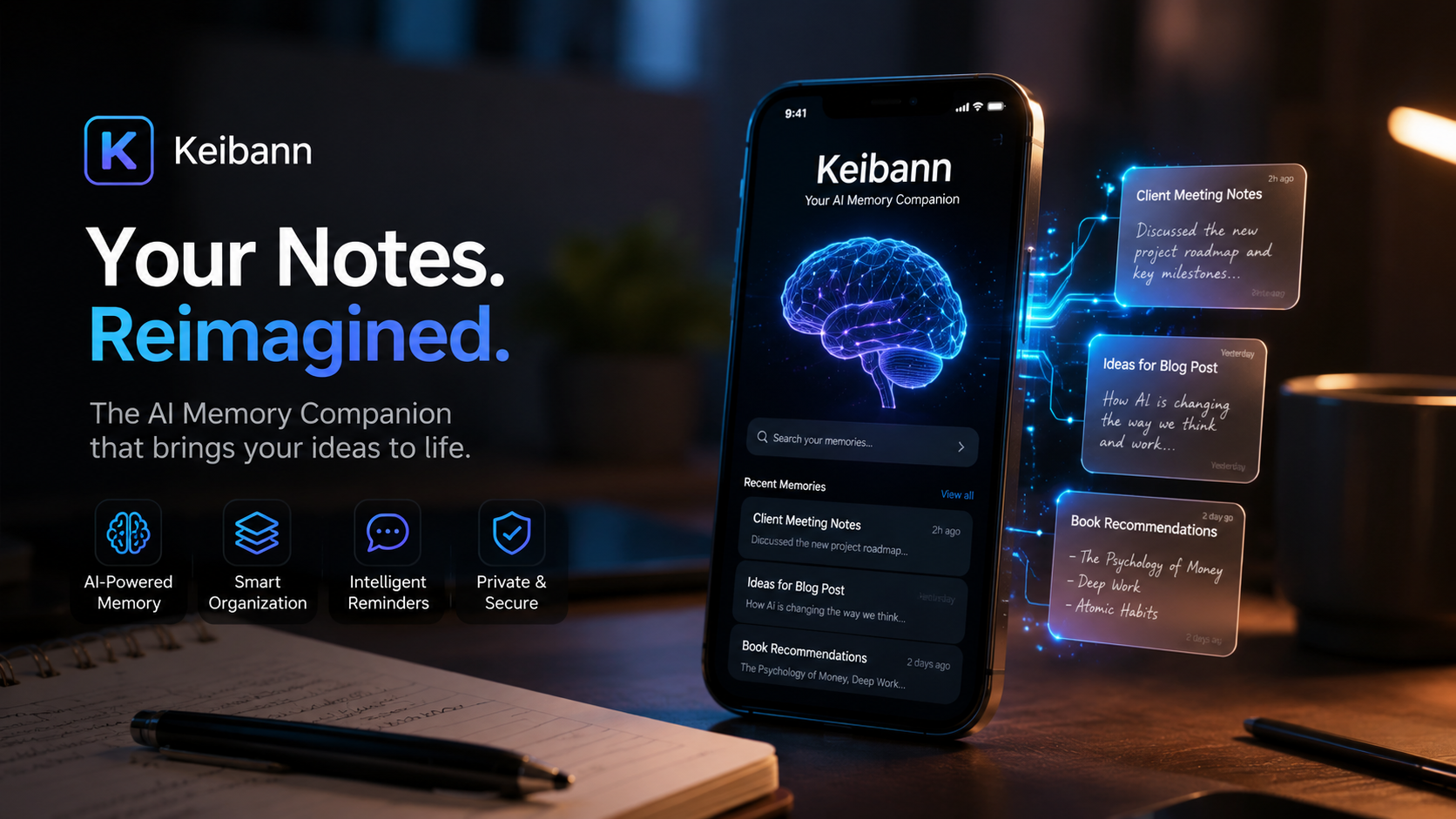
Introduction
Have you ever scribbled down a brilliant idea only to forget about it a week later? Or jotted down a task with every intention of completing it, only to have it buried under newer notes? This is a universal problem in our fast-paced digital world—we capture information constantly, but we fail to use it effectively.
Enter Keibann (記伴), a next-generation AI-powered note-taking app designed to solve exactly this problem. Developed by SurpassOne Inc., Keibann is a Japanese productivity app that launched on the Apple App Store in 2024, with its most recent update appearing in January 2026.
The name itself is meaningful: “記” (ki) means “record” or “write down,” and “伴” (ban) means “companion.” Put together, Keibann positions itself as a “companion” that doesn’t just store your thoughts—it actively works alongside you to transform them into action. Its slogan, “Breathing life into your notes,” isn’t just marketing fluff. It represents a fundamental shift in how we interact with our digital notes.
In this comprehensive guide, we’ll explore everything you need to know about Keibann: its features, benefits, limitations, how it compares to traditional note-taking apps, and whether it’s the right tool to revolutionize your productivity.
Table of Contents
-
What is Keibann?
-
Key Features of Keibann
-
Benefits of Using Keibann
-
Limitations and Drawbacks
-
Technical Specifications
-
Keibann vs. Traditional Note-Taking Apps: A Comparison
-
Pros and Cons at a Glance
-
Frequently Asked Questions
-
Conclusion
What is Keibann?
Keibann is a Japanese productivity app available exclusively on Apple devices, including iPhone, iPad, Mac (with M1 chip or later), and Apple Vision. It falls into the “Productivity” category and is designed to be a “memo app that breathes life into your notes.”
At its core, Keibann functions as a note-taking app—but with a critical difference. Instead of simply storing your notes passively, it uses artificial intelligence to analyze your entries and deliver personalized messages that include questions, advice, and prompts designed to move you from thinking to doing.
The Problem Keibann Solves
Traditional note-taking apps have two fundamental problems:
-
“Out of sight, out of mind”—If you don’t actively revisit your notes, you forget them. Most apps lack the ability to re-engage you with your own ideas.
-
Cluttered notes—Over time, your notes become disorganized and overwhelming. Finding that one important note becomes a chore.
Keibann addresses both issues by making your notes active rather than passive. The AI doesn’t just store your words—it analyzes them and prompts you to act, ensuring that your ideas and tasks don’t get lost in the digital noise.
Key Features of Keibann
1. AI-Powered Engagement
This is Keibann’s defining feature. The app uses artificial intelligence to analyze the content of your notes. Based on what you’ve written, it generates:
-
Questions that prompt deeper thinking
-
Advice tailored to your specific goals or challenges
-
Action prompts that encourage you to take the next step
For example, if you jot down a business idea, Keibann might ask, “What’s the first step you can take today to move this forward?” If you write about a personal goal, it might offer encouragement and suggest a concrete action.
2. Self-Activating Notifications
Unlike passive note apps where you must manually open them to see your content, Keibann sends proactive messages to you. This means the app itself reaches out, reminding you of your goals and nudging you toward action at strategically appropriate times.
3. Minimalist Google-Style Interface
According to user reviews, Keibann features a clean, Google-inspired design that makes it easy to input notes quickly. The simplicity reduces friction—you can capture ideas immediately without wrestling with complex menus or formatting options.
4. Cross-Device Compatibility
Keibann works across the Apple ecosystem, including:
-
iPhone (requires iOS 15.0 or later)
-
iPad (requires iPadOS 15.0 or later)
-
Mac with Apple M1 chip or later (requires macOS 12.0 or later)
-
Apple Vision (requires visionOS 1.0 or later)
5. Free Pricing Model
As of the latest available information, Keibann is offered as a free app on the Apple App Store. This makes it accessible to a wide audience without upfront financial commitment.
6. Privacy-Focused
SurpassOne Inc. has indicated that the app’s privacy practices include handling of user data in accordance with standard App Store guidelines. However, specific details about what data is collected and how it’s used would require referencing the developer’s full privacy policy.
Benefits of Using Keibann
Benefit 1: Transforms Passive Notes into Active Motivation
The most significant advantage of Keibann is its ability to turn your notes from static records into dynamic sources of motivation. Instead of capturing ideas and forgetting them, you receive meaningful engagement that keeps your goals front-of-mind and helps you make progress.
Benefit 2: Reduces Forgetting
We’ve all experienced the frustration of losing track of important tasks or ideas. By generating proactive reminders and engagement, Keibann dramatically reduces the chance that your notes will slip through the cracks.
Benefit 3: Minimalist Design Encourages Regular Use
The clean, intuitive interface makes note-taking effortless. When you can capture a thought in seconds, you’re more likely to use the app consistently and keep your ideas organized.
Benefit 4: Supports Both Personal and Professional Use Cases
Keibann is designed for both everyday life and business scenarios. Whether you’re:
-
Brainstorming creative ideas
-
Managing daily tasks
-
Preparing for a presentation
-
Working on a personal project
-
Trying to break out of procrastination
The AI adapts to your context and provides appropriate prompts.
Benefit 5: Low Barrier to Entry
With a free price tag and easy setup on Apple devices, there’s minimal risk in trying Keibann. If it doesn’t suit your workflow, you haven’t lost anything but a few minutes of your time.
Limitations and Drawbacks
No app is perfect, and Keibann has some notable limitations that potential users should be aware of.
Limitation 1: No Search Function
This is a significant drawback. According to user reviews, Keibann lacks a search function for finding specific notes. This means you must manually scroll through your notes to find what you need, which becomes increasingly problematic as your note collection grows.
Limitation 2: Cumbersome New Note Creation
Some users have reported that creating a new note requires restarting the app. While the developer has noted that you can swipe left/right between the note list and new note views, this workaround may not be intuitive for all users.
Limitation 3: Currently in Development
The developer has acknowledged that Keibann is still a work in progress, stating: “Currently, since it is under development, there are many areas for improvement”. This suggests that the app may have bugs or missing features that haven’t yet been addressed.
Limitation 4: Apple-Only Availability
Keibann is exclusively available for Apple devices. If you use Android, Windows, or other platforms, you cannot access this app at all.
Limitation 5: Japanese Language Focus
While the app’s interface is in Japanese, and its marketing materials are primarily in Japanese, it’s designed to be user-friendly for Japanese-speaking users. International users may face a language barrier depending on their Japanese proficiency.
Limitation 6: Newness Means Limited Real-World Testing
As a relatively new app (launched in 2024), Keibann has not had years of real-world use to identify and fix all issues. Early adopters may encounter problems that haven’t been discovered yet.
Technical Specifications
| Specification | Details |
|---|---|
| Name | Keybarn – 記伴 (Keibann) |
| Developer | SurpassOne Inc. |
| App Store Category | Productivity |
| Price | Free |
| Latest Update | January 20, 2026 |
| File Size (as of Jan 2026) | 58.9 MB |
| File Size (as of Apr 2024) | 56.2 MB |
| Age Rating | 4+ (All ages) |
| Language | Japanese |
| iPhone Compatibility | iOS 15.0 or later |
| iPad Compatibility | iPadOS 15.0 or later |
| Mac Compatibility | macOS 12.0 or later with Apple M1 chip or later |
| Apple Vision Compatibility | visionOS 1.0 or later |
| Privacy Practices | Data may be collected as per developer policy |
| Copyright | © 2026 SurpassOne Inc. |
Keibann vs. Traditional Note-Taking Apps: A Comparison
To help you understand where Keibann fits in the note-taking landscape, here’s a comparison with traditional, non-AI note-taking apps.
| Feature | Keibann | Traditional Note Apps (e.g., Apple Notes, Google Keep) |
|---|---|---|
| Primary Function | Active note engagement + AI prompts | Passive note storage |
| AI Integration | Yes—analyzes notes and sends proactive messages | No |
| Proactive Engagement | Yes—app reaches out to you | No—you must open the app |
| Search Function | ❌ Currently unavailable | ✅ Typically included |
| New Note Creation | Requires app restart or swipe navigation (as per user reports) | Usually one-click/tap |
| Price | Free | Usually free |
| Platform Support | Apple only (iOS, iPadOS, macOS, visionOS) | Often cross-platform |
| Age | Launched in 2024 (new) | Mature, well-established |
| Maturity/Bugs | Still in development | Generally stable and reliable |
| Language Support | Japanese | Multi-language |
| Goal | Help you act on your notes | Help you store and organize notes |
Pros and Cons at a Glance
✅ Pros
| # | Pro |
|---|---|
| 1 | AI-powered engagement transforms passive notes into active motivation |
| 2 | Proactive messaging helps prevent forgetting |
| 3 | Minimalist Google-like design is fast and intuitive |
| 4 | Free to download and use |
| 5 | Available across Apple’s ecosystem (iPhone, iPad, Mac, Apple Vision) |
| 6 | Regular updates from developer (latest: Jan 2026) |
❌ Cons
| # | Con |
|---|---|
| 1 | No search function for finding notes |
| 2 | Requires app restart or swipe navigation to create new notes (per user reports) |
| 3 | Apple-only—not available for Android or Windows |
| 4 | In development, so may have bugs or missing features |
| 5 | Japanese language focus may limit accessibility for non-Japanese speakers |
| 6 | New app with limited long-term user reviews and real-world testing |
Frequently Asked Questions
1. Is Keibann really free?
Yes, Keibann is currently available for free on the Apple App Store. There is no cost to download or use the app as of the latest update.
2. What does “Keibann” mean?
The name is Japanese: “記” (ki) means “record” or “write down,” and “伴” (ban) means “companion.” Together, it translates to something like “memory companion” or “recording companion“—a name that emphasizes the app’s role in helping you use your notes effectively.
3. Is Keibann available on Android?
No. Keibann is exclusively available for Apple devices. It requires iOS 15.0 or later for iPhone, iPadOS 15.0 or later for iPad, macOS 12.0 with an M1 chip or later for Mac, and visionOS 1.0 or later for Apple Vision.
4. Does Keibann support languages other than Japanese?
The app store information lists Japanese as the only supported language. While there may be basic functionality for non-Japanese users, the full experience is designed for Japanese speakers.
5. Why can’t I find a search function in Keibann?
According to user reviews and developer responses, Keibann currently does not have a search function. This is one of the most requested features. The developer has acknowledged that they are still in the development phase.
6. How do I create a new note in Keibann?
Users have reported that you can swipe left/right between the note list and the new note view to create a new note without restarting. Some users may find this action unintuitive, and the developer is aware of the usability issue.
7. What kind of AI does Keibann use?
The exact AI model or technology isn’t specified in the available information. However, the app uses AI to analyze your note content and generate personalized questions, advice, and action prompts designed to help you act on your ideas.
8. Is my data safe with Keibann?
The developer (SurpassOne Inc.) has indicated that the app’s privacy practices may include handling of personal data. For specific details, you should refer to the developer’s privacy policy on the App Store. Data may be collected, encrypted in transit, and potentially shared with third parties as per typical app privacy practices.
9. Who is Keibann best suited for?
Keibann is ideal for:
-
People who struggle with follow-through on ideas and tasks
-
Individuals who want a proactive, motivating note-taking experience
-
Users who prefer minimalist, clean design
-
Japanese-speaking users in the Apple ecosystem
-
Anyone looking for a free productivity tool
It may not be suitable for users who need:
-
Advanced search capabilities
-
Cross-platform access
-
Extensive note organization features
10. Is Keibann reliable enough for daily use?
Keibann is still in development and has been noted to have some bugs and missing features. While it may be useful for many users, you should expect ongoing improvements and potential issues until the app reaches a more mature state.
Conclusion
Keibann represents an exciting evolution in note-taking technology. By shifting from passive storage to active engagement, it addresses a fundamental problem that traditional apps have largely ignored: the gap between capturing an idea and acting on it.
For users in the Apple ecosystem who speak Japanese, Keibann offers a free, minimalist, and surprisingly motivating way to manage notes, tasks, and ideas. Its AI-powered prompts and proactive messages can help break cycles of procrastination, clarify thinking, and move you from intention to action.
However, Keibann is not without its limitations. The absence of a search function and cumbersome new note creation may frustrate power users, and its “in development” status suggests it’s not yet a fully polished product. It also won’t help if you’re outside the Apple ecosystem or don’t speak Japanese.
About the Author